
If you're a parent of a primary school child in 2026, you have probably already met AI in some form: a chatbot answering your child's homework questions, an adaptive learning app, or a voice assistant in the living room. The question is AI safe for children? is one every parent needs an answer to, and it is reasonable to feel uncertain. The technology is changing quickly, and the headlines swing between wild promise and panic.
This guide gives an honest look at the risks and benefits of AI for primary-aged children (5–11): what is actually known, and what you can do about it.
Why Are Parents Worried About AI for Children?
Parental concern about AI is not irrational. The worries we hear most often are:
- Exposure to inappropriate content. Generative AI can produce text or images that are not suitable for a child.
- Data privacy. What information is being collected about my child, and where does it go?
- Over-reliance on technology. Will my child stop thinking for themselves?
- Accuracy and misinformation. AI tools can present wrong information as fact, with complete confidence.
- Emotional manipulation. Could a chatbot influence my child's feelings or behaviour?
These are legitimate concerns, and any AI product designed for children should be able to answer every one of them openly. The important point is that not all AI is the same. A general-purpose chatbot like ChatGPT and an educational tool designed for primary school children are different products with different risks.
What Is Known About Children and AI?
There is good evidence that one-to-one, adaptive teaching helps children learn. Benjamin Bloom's 1984 paper "The 2 Sigma Problem" (Educational Researcher) found that children tutored one-to-one performed about two standard deviations better than children taught in a conventional classroom, which put the average tutored child around the 98th percentile of the classroom group. AI tutoring systems try to copy that effect by adapting to each child's level as they go.
On the other side, Sherry Turkle, a psychologist at MIT, has warned for years that children can come to treat responsive machines as confidants or friends, in ways that may affect how they relate to people. UNICEF's policy guidance on AI for children (2021) makes a related point: children are not small adults, and they need specific protections when they use AI systems.
Put those together and the picture is this: AI can help children learn, provided it is designed for children, appropriate for their age, careful with their data, and used with a parent's awareness.
What Are the Real Risks of AI for Primary School Children?
Here are the specific risks, so you can weigh each one properly.
1. Data Privacy and Collection
This is arguably the most important concern. General-purpose AI tools often collect large amounts of user data: conversation logs, usage patterns, even voice recordings. For children this raises serious issues under data protection law, including the UK's Age Appropriate Design Code (also known as the Children's Code) and the GDPR provisions for minors in the EU.
What to look for: Any AI tool your child uses should comply with children's data protection rules, collect as little data as possible, and never sell or share children's data with advertisers. Ask the provider directly: What data do you collect, how long do you store it, and who has access?
2. Inappropriate or Inaccurate Content
Large language models trained on the open internet can generate content that is wrong, biased, or unsuitable for children. The invented-fact problem is well known and usually called "hallucination": the AI presents made-up information with full confidence.
What to look for: An educational AI tool for children should have firm limits on what it will talk about. A science tutor for Year 3 should be discussing plants, light, rocks, and the other topics in the Year 3 curriculum, not producing unfiltered answers to anything a child might type.
3. Over-Reliance and the "Just Give Me the Answer" Problem
One of the most common worries is that AI will do children's thinking for them. It is a fair worry, and it separates well-designed educational AI from poor tools. Barak Rosenshine's "Principles of Instruction" (2012) describe effective teaching as guided practice with plenty of questions and checks: children need to work at a problem, pull information back out of memory, and build the understanding themselves.
A chatbot that simply hands over the answer to a homework question is doing the opposite. An AI tutor that asks guiding questions, works through misconceptions, and supports the child step by step is doing what a good human tutor does.
What to look for: Does the AI give away answers, or does it guide the child toward understanding? This is the single most important teaching distinction.
4. Screen Time Concerns
Many parents worry that AI tools simply add more screen time. The quality of screen time matters more than the quantity, though. A child passively scrolling and a child actively working through a problem with a learning tool are doing very different things.
We cover this in our guide to screen time versus learning time. The short version: 15–20 minutes of focused, interactive learning is not the same as 15–20 minutes of YouTube, and parents can make that distinction with confidence.
5. Emotional and Social Impact
Could AI affect your child's emotional development? It depends on the design. An AI that encourages a child, praises effort, and responds to frustration with patience can support the belief, described in Carol Dweck's Mindset (2006), that ability grows with practice. An AI that is cold, or that is designed to maximise time in the app rather than learning, could have the opposite effect.
The safeguard here is purpose. Tools designed to teach have different incentives from tools designed to hold attention.
What Makes an AI Tool Safe for Children?
Here is a practical checklist for weighing up any AI tool for your child:
- Designed for children, not a general-purpose tool with a "kids mode" bolted on
- Curriculum-aligned content: the AI should know what your child is supposed to be learning and stay within those boundaries
- Sound teaching method: guides thinking rather than replacing it (questions, step-by-step support, spaced retrieval)
- Minimal data collection: compliant with children's data protection law, with a plain privacy policy
- Content limits: firm filtering to prevent inappropriate, inaccurate, or off-topic responses
- Parental visibility: you can see what your child is learning, how they are progressing, and what conversations took place
- No manipulative design: no infinite scroll, no reward mechanics, no notification spam
- Open about being AI: the child should know they are talking to a computer, not a person
This is the list we hold our own Key Stage 2 science tutor, Fareed, to; it is currently on a waitlist.
How Can Parents Create a Safe AI Environment at Home?
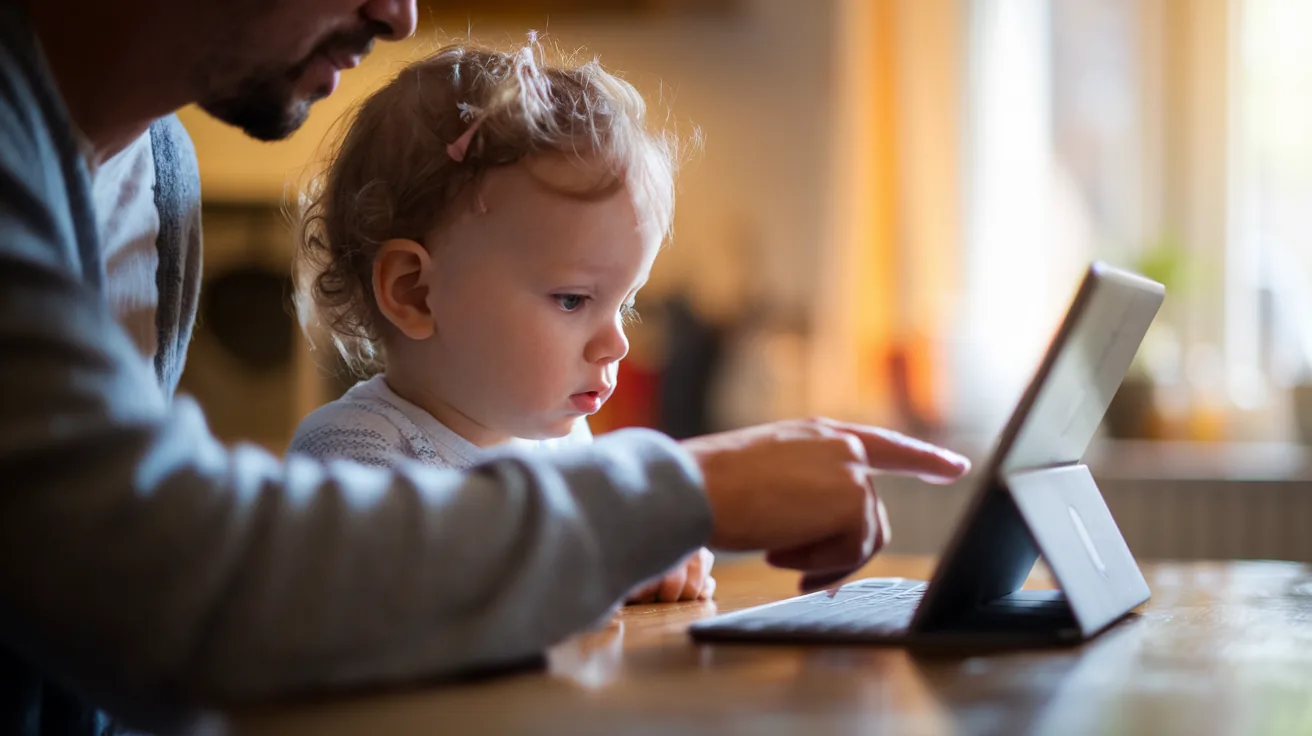
Beyond choosing the right tools, there is a great deal parents can do to keep their child's experience with AI positive and safe.
Have Open Conversations About AI
Children as young as 5 or 6 can understand the basics: "This is a computer programme that has been taught to answer questions. Sometimes it gets things wrong, just like people do." A child who knows roughly how a tool works is better placed to notice when something it says seems odd.
Use AI Together First
Before letting your child use any AI tool alone, spend time using it together. Sit with them, explore the tool, model good questions, and talk about the answers. Children learn best with guided support before they move to independence.
Set Clear Boundaries
Agree on when, for how long, and for what purpose AI tools will be used. "We use the science tutor after school for 15 minutes" is a clear, manageable boundary. It stops AI time from bleeding into general screen time and keeps the purpose on learning.
Stay Informed
AI is changing quickly, and what is true today may shift. Follow trusted sources such as the UK Safer Internet Centre, Parent Zone, and your school's own digital safety updates. Many British international schools in the UAE, Saudi Arabia, and South-East Asia now run digital literacy sessions for parents; go to them.
The Bottom Line: Is AI Safe for Children?
The honest answer is: it depends on the AI. General-purpose tools not designed for children carry real risks, from data collection to unsuitable content to handing over answers. An educational tool designed with children's safety, privacy, and learning at its core can be safe and useful.
You do not need to be an AI expert. Ask the questions above, choose tools that meet clear standards, use them alongside your child at first, and stay involved in their learning.