
If you're a parent in 2026, you've heard the warnings about screen time. The headlines are alarming: screens are ruining attention spans, causing anxiety, disrupting sleep. For passive, mindless scrolling, those concerns are well-founded.
But here's the nuance that often gets lost: the kind of screen time matters more than the amount. Twenty minutes of a child passively watching random YouTube videos is fundamentally different from twenty minutes of a child explaining to a tutor, human or AI, why they think a plant needs light to grow.
The question isn't how much screen time. It's what kind.
The Screen Time Spectrum
It helps to think of screen activities as a spectrum rather than a single category, ranging from harmful to genuinely useful:
The important distinction is between passive consumption (the child is a spectator) and active engagement (the child is thinking, reasoning, creating, or explaining).
What Makes Educational Screen Time "Good"?
Five things separate productive educational screen time from passive consumption:
1. The Child Does the Thinking
In passive screen time, the content does all the work. The child just watches. In quality educational screen time, the child is actively reasoning, making predictions, and explaining their thinking. A tutor that asks "What do you think will happen if we move the plant away from the window?" engages a completely different kind of thinking from a video that simply tells the child the answer.
2. There's a Feedback Loop
Good educational technology responds to the child. If they make an error, it doesn't just flash a red X. It engages them in understanding why their answer doesn't quite work and guides them toward the right thinking. This back-and-forth dialogue mimics the most effective form of human teaching.
3. It Adapts to the Child
A YouTube video plays the same way for every child. Good educational software adjusts the difficulty based on how this specific child is responding. The aim is to keep children in their zone of proximal development: the gap between what they can do alone and what they can do with help, which is where learning happens.
4. It Connects to the Real World
The best educational screen time doesn't stay on the screen. It sparks curiosity that carries over into real life. A child who learns about plant growth on a screen and then goes to the garden, or to the pots on the balcony if you live in a flat in Dubai or Singapore, to check the soil is experiencing technology at its best: as a prompt for real-world exploration.
5. It Has Natural Stopping Points
Unlike social media feeds designed to be infinite and addictive, well-designed educational technology has natural session boundaries. A 20-minute tutoring session has a clear beginning, middle, and end, like a real tutoring lesson rather than an endless scroll.
The Research: What Studies Actually Say
The most commonly cited screen time research focuses on passive media consumption. When researchers specifically study interactive, educational screen use, the findings are markedly different:
- Total time is a weak predictor. A 2023 study led by researchers at the Oxford Internet Institute, using brain scans from nearly 12,000 children in the American ABCD study, found no clear link between screen time and how children's brains were functionally organised. It did not measure cognitive development, and it did not compare types of screen use, so it tells you that the clock is a blunt instrument, not that all screen use is fine.
- Conversational AI engagement mirrors reading benefits. A 2021 study by Xu et al. published in Child Development found that children aged 3–6 who engaged in dialogue with a conversational agent during storybook reading showed comprehension gains comparable to those guided by a human partner. Those children were younger than KS2 age, so treat it as a pointer rather than proof.
- Context matters enormously. The Royal College of Paediatrics and Child Health (RCPCH) advises parents to judge screen time by whether it gets in the way of sleep, exercise and family life, rather than by the clock. Screen time that displaces those is harmful regardless of content.
A Practical Framework for Parents
Rather than counting total minutes, try evaluating your child's screen time through these lenses:
Signs of Quality Educational Screen Time
- Your child can tell you what they learned when they're done
- They ask questions about the topic afterwards ("Mum, do all plants need sunlight?")
- They're talking or typing responses, not just watching
- The session has a clear ending point (not an infinite feed)
- They're sometimes challenged or mildly frustrated (meaning they're learning, not just being entertained)
- The content adapts to their level (not the same for every child)
Red Flags for Unhealthy Screen Use
- Your child can't describe what they were doing or watching
- They resist stopping and become distressed when the device is taken away
- They're passively watching with glazed eyes
- There's no interaction, just swiping or tapping mindlessly
- The content is designed for engagement metrics, not learning outcomes
- It's displacing sleep, outdoor time, or family interaction
Setting Healthy Boundaries
Even the best educational AI should exist within healthy boundaries. Here are practical strategies that work for families:
- Set clear session lengths. We recommend 15–25 minutes per session for primary-age children. Short enough to maintain focus, long enough for meaningful learning.
- Schedule it intentionally. After school or before dinner works well. Avoid right before bedtime, as any screen use can affect sleep onset.
- Join in occasionally. Sit with your child during a learning session once a week. You'll see what they're learning, and your interest reinforces that learning matters.
- Talk about what they learned. The most powerful thing you can do is ask, "What did you learn today?" This extends the learning beyond the screen and into family conversation.
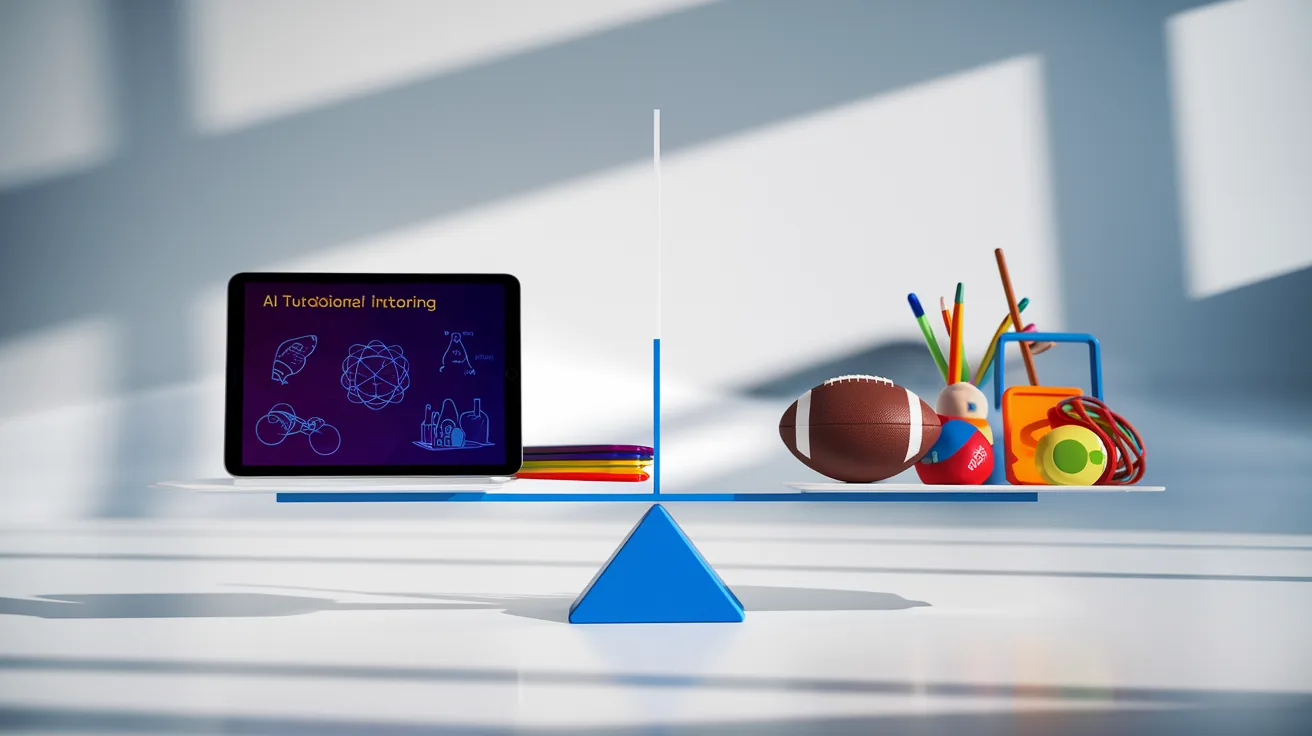
- Balance with offline activities. Screen-based learning works best as one part of a rich day that includes play, reading, outdoor time, and social interaction.
The Bottom Line
Passive, mindless screen consumption does children no good. Interactive, dialogue-based learning, where the child does the thinking, can be genuinely useful. Fareed, our AI science tutor (currently on a waitlist), is built around that kind of short, conversational session, but the same test applies to any tool.
The question to ask isn't "How much screen time did my child have today?" It's "Was my child thinking, creating, and learning, or just watching?"